ElevenLabs Dubbing v2 review 2026: pricing and limits
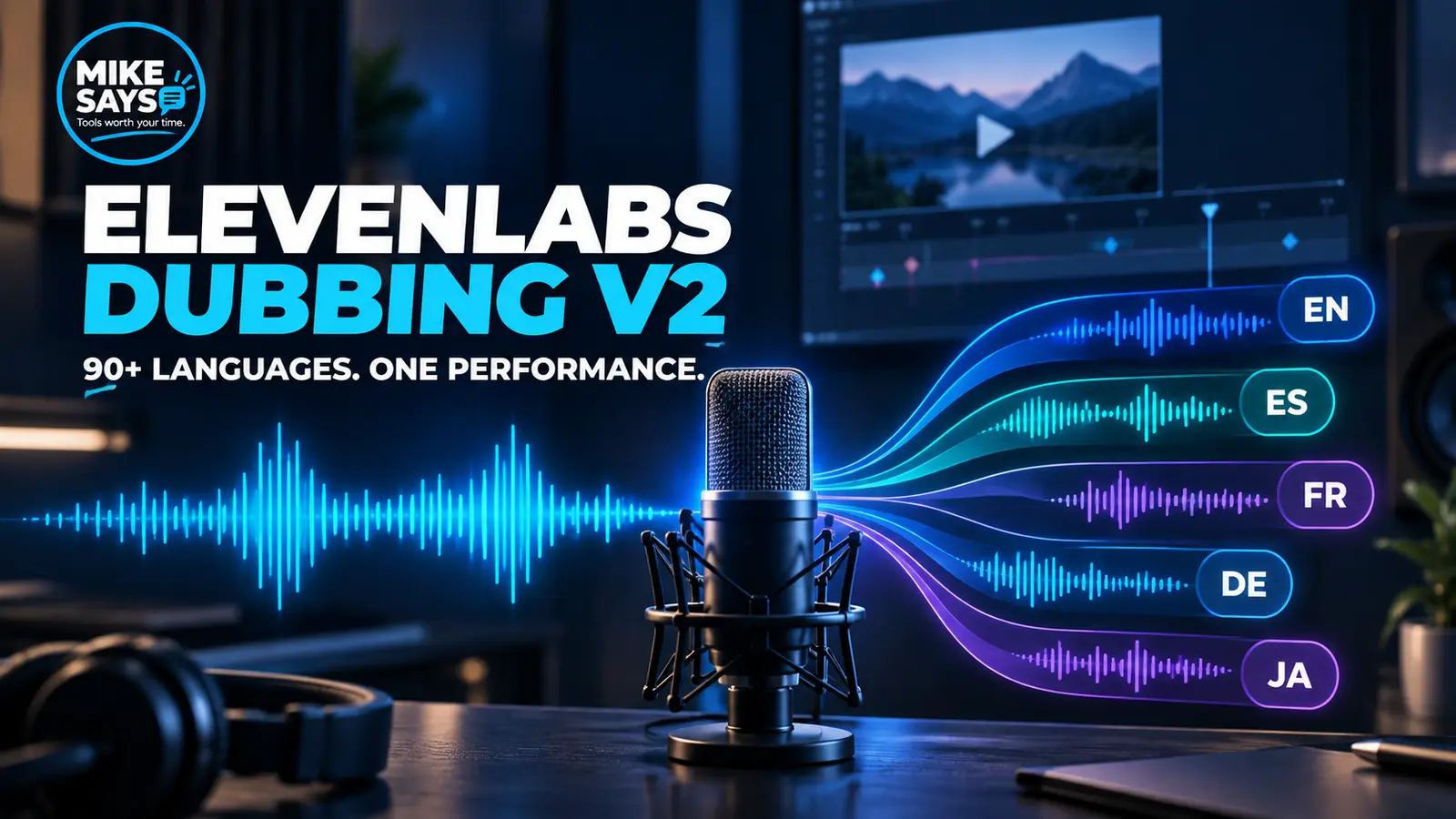
ElevenLabs Dubbing v2 is a strong option for creators and businesses that want to localise spoken video without rebuilding the full production. It can dub content across 90+ languages and accents, clone each speaker automatically and carry tone and timing into the new language.
Mike Says is an ElevenLabs affiliate and ElevenAPI Partner. A qualifying purchase through a labelled link may earn me commission at no extra cost to you.
Quick verdict
Dubbing v2 has an appealing promise: keep the performance, not only the words. It is best suited to videos with clear dialogue and a real reason to reach several language markets. The main drawback is cost. V2 uses far more credits per minute than the older automatic dubbing option.
Try ElevenLabs free →Affiliate link · I may earn commission from a qualifying purchase at no extra cost to you.
What is ElevenLabs Dubbing v2?
Dubbing v2 is an audio-to-audio localisation model. ElevenLabs says it conditions on the original performance rather than relying only on a transcript. The aim is to carry emotion, pitch, delivery and timing from the source recording into the target language.
The process combines speech recognition, speaker separation, translation, voice cloning, speech generation and synchronisation. You can upload a file or paste a supported URL, select target languages and let the service create the first pass.
Key features
Automatic dubbing or Dubbing Studio?
Automatic dubbing is the fastest route. Upload the material, choose languages and let the full pipeline run. This makes sense for a first test, high-volume short-form work and material that needs little manual correction.
Dubbing Studio is the editable route. It costs more credits, but it gives you a better place to review speakers, segments, translation and timing. Paid ElevenCreative plans include access to Dubbing Studio. Read what ElevenCreative includes. Productions is a separate managed service for broadcast-level work with human translators, voice casting and professional mixing.
My advice: use automatic dubbing to judge the language and voice match. Move a valuable project into Dubbing Studio when the first pass needs careful corrections.
Is Dubbing v2 free?
The Free plan includes 10,000 credits a month. Dubbing Studio is listed on Starter and above, not on the Free plan card. You can still use the free credits on products the Free plan includes. Check the product screen before you assume a dub is free.
A paid plan is the one that adds a commercial licence. Starter is $6 a month. See ElevenLabs pricing plans.
Pricing explained
ElevenLabs uses one shared credit pool. On monthly billing, checked 20 October 2026: Free is $0 with 10,000 credits, Starter is $6 with 30,000, Creator is $22 with 121,000, Pro is $99 with 600,000, Scale is $299 with 1.8 million, and Business is $990 with 6 million. Prices exclude taxes.
The pricing FAQ does not use the name “Dubbing v2” for a single rate. It lists four dubbing costs:
- Automatic dubbing with a watermark: 2,000 credits a minute.
- Automatic dubbing without a watermark: 3,000 credits a minute.
- Dubbing Studio with a watermark: 5,000 credits a minute.
- Dubbing Studio without a watermark: 10,000 credits a minute.
The 2,000-credit figure is the watermarked automatic rate. Studio without a watermark costs five times that. Check which mode is selected before a long job.
| Plan | Credits | Minutes at 2,000 | Minutes at 3,000 | Minutes at 5,000 | Minutes at 10,000 |
|---|---|---|---|---|---|
| Free | 10,000 | 5 | 3.3 | 2 | 1 |
| Starter | 30,000 | 15 | 10 | 6 | 3 |
| Creator | 121,000 | 60.5 | 40.3 | 24.2 | 12.1 |
| Pro | 600,000 | 300 | 200 | 120 | 60 |
| Scale | 1.8 million | 900 | 600 | 360 | 180 |
| Business | 6 million | 3,000 | 2,000 | 1,200 | 600 |
Minutes are the plan's monthly credits divided by the FAQ rate. They are a budget check, not a promise of finished audio. Other products share the same credits.
Frequently asked questions
Is Dubbing v2 free?
Dubbing Studio is listed from Starter upwards. The Free plan has 10,000 credits, but the plan card does not include Dubbing Studio. Test a short clip and read the licence before you publish.
Why do credit costs differ?
Automatic dubbing with a watermark is 2,000 credits a minute. Removing the watermark, or using Dubbing Studio, costs more. The highest listed rate is 10,000 credits a minute for Dubbing Studio without a watermark.
Do these prices include tax?
No. ElevenLabs says prices exclude taxes, levies and duties.
Where Dubbing v2 works well
YouTube and creator videos: one finished video can be adapted for several language audiences without recording each track from scratch.
Product demonstrations: the original pace and delivery can stay close to the source while the language changes.
Training and support: existing video libraries can be localised, although regulated or safety-sensitive material still needs human review.
Marketing: localised adverts can retain the speaker's character, but names, claims and regional wording should be checked by a fluent reviewer.
Limits to consider
Automatic localisation is not the same as a native-language approval. Idioms, names, technical terms and legal wording can still be wrong. Timing may also suffer when the translated sentence is much longer than the original.
Background music, overlapping speakers and poor source audio add difficulty. Clean dialogue and separated tracks give any dubbing system a better starting point. You also need permission to clone the speakers and republish their voices in each market.
The credit cost is the biggest commercial limit. Dubbing several long videos into many languages can move you into a higher plan quickly. Calculate minutes by source length multiplied by target languages before committing.
Pros and cons
Pros: 90+ languages and accents, automatic voice cloning, performance-aware output, sync handling, editable Studio route and API access.
Cons: v2 can be expensive per minute, translation still needs review, difficult source audio lowers the odds of a clean result and multi-language projects can consume credits quickly.
Who should use it?
Use Dubbing v2 when the speaker's tone and identity matter, you already have finished video and the extra language has a clear audience or commercial goal. Avoid paying for a full run when you have not yet tested a short extract or arranged a fluent review.
Start with a short dubbing test
Use the free allowance on a clean 30-second clip. Check the target language with a fluent speaker before moving to a longer file.
Try ElevenLabs free →Affiliate link · I may earn commission from a qualifying purchase at no extra cost to you.
Final verdict
ElevenLabs Dubbing v2 is one of the more ambitious self-service dubbing products because it tries to preserve the performance as well as the voice. The technology is attractive, but the business case still comes down to translation review and cost per finished minute. Test small, check the language, then scale the projects that justify it.
Official sources
ElevenLabs Dubbing v2
ElevenLabs dubbing documentation
ElevenLabs pricing