ElevenLabs Studio 4.0 Review and Beginner’s Guide 2026
ElevenLabs Studio 4.0 brings video, images, voiceovers, music, sound effects, captions and editing onto one timeline. It is a strong option for creators who want fewer hand-offs between tools, but its credit costs need watching.
This article is an advert. We may earn a commission if you sign up through our links, at no extra cost to you.
Affiliate link · I may earn commission from a qualifying purchase at no extra cost to you.
ElevenCreative is ElevenLabs' creative workspace. Studio 4.0 puts AI video, voiceover, music, sound effects and captions on one timeline.
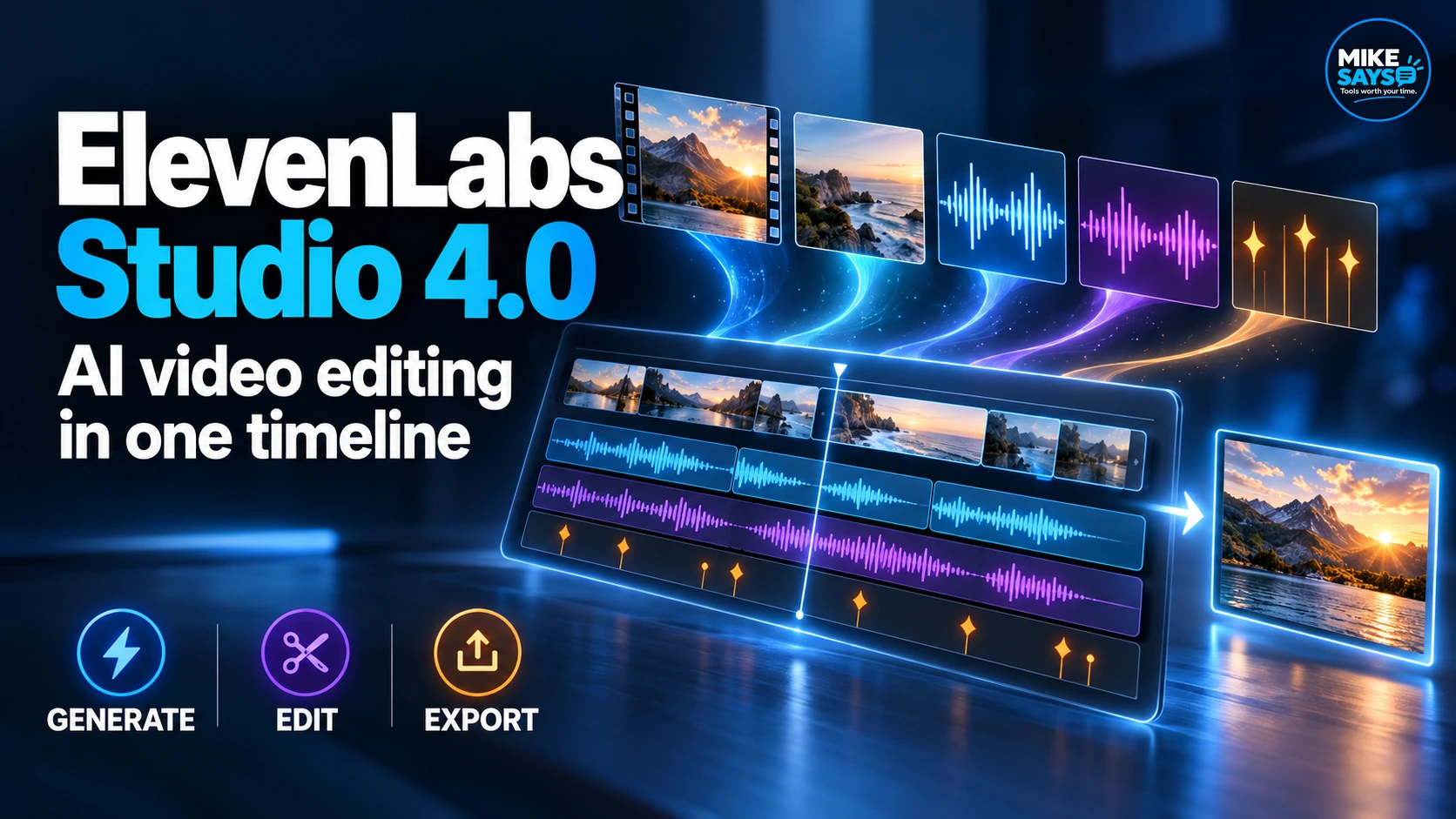 Concept graphic showing the Studio 4.0 workflow. It is not an official interface screenshot.
Updated: 23 September 2026. This review uses current official ElevenLabs product information. I have not completed a hands-on Studio 4.0 test, so performance comments from ElevenLabs are labelled as company claims.
Quick verdict
Studio 4.0 is worth trying if you make videos that need AI visuals, narration and sound. Its main benefit is keeping generation and editing inside one project. Skip it if you only need occasional voiceovers or already have an editor you like. Start with one short project on the Free plan before paying.
What is ElevenLabs Studio 4.0?
Studio is the editing workspace inside ElevenCreative. Version 4.0 launched on 21 September 2026 as a large video-focused update. You can generate video clips, images, voiceovers, music and sound effects inside a project, place them on the timeline and export the result without moving files between several services.
This is different from using ElevenLabs only for Text to Speech. Studio treats voice as one part of a wider production. A social advert, product teaser or narrated explainer can contain generated footage, still images, speech, music, effects and captions in the same project.
Generate inside the project
Create video, images, speech, music and effects without exporting each asset from a separate tool first.
Edit on one timeline
Arrange media tracks, trim clips, adjust captions and keep related elements in sync.
Use Studio Agent
Describe your idea and ask the co-editor to draft a first cut that you can change manually.
Review with others
Place comments on clips or assets so feedback stays attached to the relevant part of the project.
What is new in Studio 4.0?
Video and image generation on the timeline
You can describe a shot, generate it and place it directly in your edit. If the result is close but not right, ElevenLabs says you can refine it in place rather than rebuild the project around a replacement file.
Studio can use supported image and video models alongside ElevenLabs’ own audio tools. Model choice matters because quality, speed and credit use can differ.
A rebuilt editing timeline
The updated timeline adds frame-level zoom, clip snapping and linked movement designed to keep related clips in sync. Captions behave like editable timeline clips. You can split or merge a cue and correct a word without transcribing the whole file again.
Studio Agent
Studio Agent is a conversational co-editor built into the workspace. Give it a prompt and it can draft a script, place clips, generate voiceovers and line up effects with footage. ElevenLabs says it analyses video frame by frame, which allows requests tied to a specific visual moment.
The agent did not first appear with Studio 4.0. ElevenLabs introduced it in May 2026. The new release makes it a central part of the updated production workflow.
Comments and playback
Teams can comment on a clip or asset, reply and mark feedback as resolved. ElevenLabs also says it rebuilt the playback engine to stay responsive on longer projects with many tracks. I have not independently tested that performance claim.
How a beginner can use Studio 4.0
- Start with a short project. A 15 to 30-second social clip is easier for learning than a long video.
- Add only the needed media. Generate a video or image, then add a voiceover, music and effects where they serve the message.
- Use Studio Agent for a first draft. Treat its edit as a starting point, then take manual control.
- Check every output. Watch for visual errors, poor pronunciation, awkward music changes and incorrect captions.
- Check credit use before scaling. Repeat generations can use a plan allowance quickly.
Try Studio 4.0 on the Free plan
Build one short project first. You can see how the workflow feels before choosing a paid plan.
Try ElevenCreative free →Affiliate link. I may earn commission from a qualifying purchase at no extra cost to you.
Studio 4.0 pricing and credits
Studio is available on every ElevenLabs subscription, including Free. The plan controls your monthly credits, project limits, commercial rights and export quality. Current standard monthly prices are shown below. Taxes and promotional pricing can change the amount displayed at checkout.
| Plan | Monthly price | Monthly credits | Useful Studio point |
|---|---|---|---|
| Free | $0 | 10,000 | Up to 3 Studio projects |
| Starter | $6 | 30,000 | Commercial licence and up to 20 Studio projects |
| Creator | $22 | 121,000 | Higher allowance and Professional Voice Cloning |
| Pro | $99 | 600,000 | Higher-quality audio export options |
| Scale | $299 | 1.8 million | Larger production allowance |
| Business | $990 | 6 million | More seats and business controls |
Important: there is no single fixed cost for making a Studio 4.0 video. Studio Agent chat is billed from token use, while video, image, speech, music and sound-effect generation use the normal rates for each capability. The selected model and output settings affect the total.
Free, Starter and Creator projects currently export audio at 128 kbps MP3 or WAV made from a 128 kbps source. Pro and higher plans add 16-bit, 44.1 kHz WAV or 192 kbps MP3 options.
What I like
- One connected project: visuals, narration, music, effects and captions stay together.
- A useful free starting point: you can create a small test without paying first.
- Agent plus manual control: you can accept help with a first cut without giving up the timeline.
- Strong audio tools: ElevenLabs’ established voice, music and sound tools sit beside the video workflow.
- Clear use cases: social clips, product teasers and narrated explainers suit the combined toolset.
Where Studio 4.0 could fall short
Video and image generations can take several attempts. Add Studio Agent tokens, voice, music and effects, and one project can use far more credits than a simple voiceover.
- Variable costs: comparing plans is harder when each media model consumes credits differently.
- Generated media still needs checking: a first result can contain visual errors, odd timing or unsuitable sound.
- Studio Agent is web-only: the current documentation says it has no API access.
- It may be excessive for one task: a basic Text to Speech job is faster in the dedicated tool.
- New-release risk: a major update can carry rough edges that only regular use will expose.
Who should try it?
- Faceless creators building narrated YouTube videos, Shorts or Reels.
- Small businesses making product explainers and social adverts.
- Podcasters or course creators adding video, captions and sound design.
- Marketing teams that want feedback attached to clips.
- Existing ElevenLabs users who currently move audio into another editor.
Who should skip it?
- You only need occasional voiceovers.
- You already have a fast editing setup and only want ElevenLabs for audio.
- You need predictable per-video costs before production begins.
- You want a fully automatic system with no human review.
Studio 4.0 versus ElevenCreative Flows
Studio and Flows solve different parts of production. Use Studio when you want a timeline, detailed edits, captions and a final export. Use Flows when you want a repeatable chain that connects generation steps, swaps inputs or creates several variations.
A sensible route is to build the repeatable generation process in Flows, then send the chosen result to Studio for detailed editing. Beginners should start with Studio alone and add Flows only when the same task keeps repeating.
Frequently asked questions
Is ElevenLabs Studio 4.0 free?
Studio is included on the Free plan. It currently includes 10,000 monthly credits and up to three Studio projects. Generation and agent use consume credits.
Can Studio 4.0 make a complete video?
Yes. You can generate or import visuals, add voice, music, effects and captions, arrange them on the timeline and export a video. You still need to review the result.
Does Studio Agent replace a video editor?
No. It can create and revise a first cut, but ElevenLabs also gives you manual timeline control. Human review matters for pacing, accuracy and brand fit.
Can I use Studio 4.0 for commercial work?
Paid plans include commercial rights subject to the current terms and your rights to the source material. Check the licence for each media capability before publishing client work or adverts.
Is the Creator Partner Program the same as the affiliate programme?
No. The Creator Partner Program is separate from ElevenLabs' affiliate programme. The links on this page are affiliate links. They are labelled. This page does not say that Mike Says is in the Creator Partner Program.
Final verdict
Studio 4.0 gives ElevenCreative a clearer reason to exist beyond voice generation. Bringing video, images and ElevenLabs’ audio tools into one editor can reduce file handling and speed up a first draft.
The weak point is cost clarity. The Free plan is useful for a short test, but a busy video workflow can consume credits across several tools. My recommendation is to build one real 15 to 30-second project, record the credits used, then decide if a paid plan fits your output.
Test Studio 4.0 yourself
Start free and use a small real project before choosing a subscription.
Try ElevenCreative free →Affiliate link · I may earn commission from a qualifying purchase at no extra cost to you.
Official sources checked
Related Mike Says guides
See the ElevenLabs review, compare the current ElevenLabs plans, or follow the Text to Speech beginner’s guide.
ElevenLabs and the ElevenLabs logo are registered trademarks or trademarks of ElevenLabs, Inc. Used with permission. Mike Says is not sponsored by, endorsed by or affiliated with ElevenLabs except as an independent participant in the ElevenLabs Creator Affiliate Program.