Make AI Agents Review 2026: Pricing, Features and Verdict
Reviewed by: Mike · Published: 18 September 2026
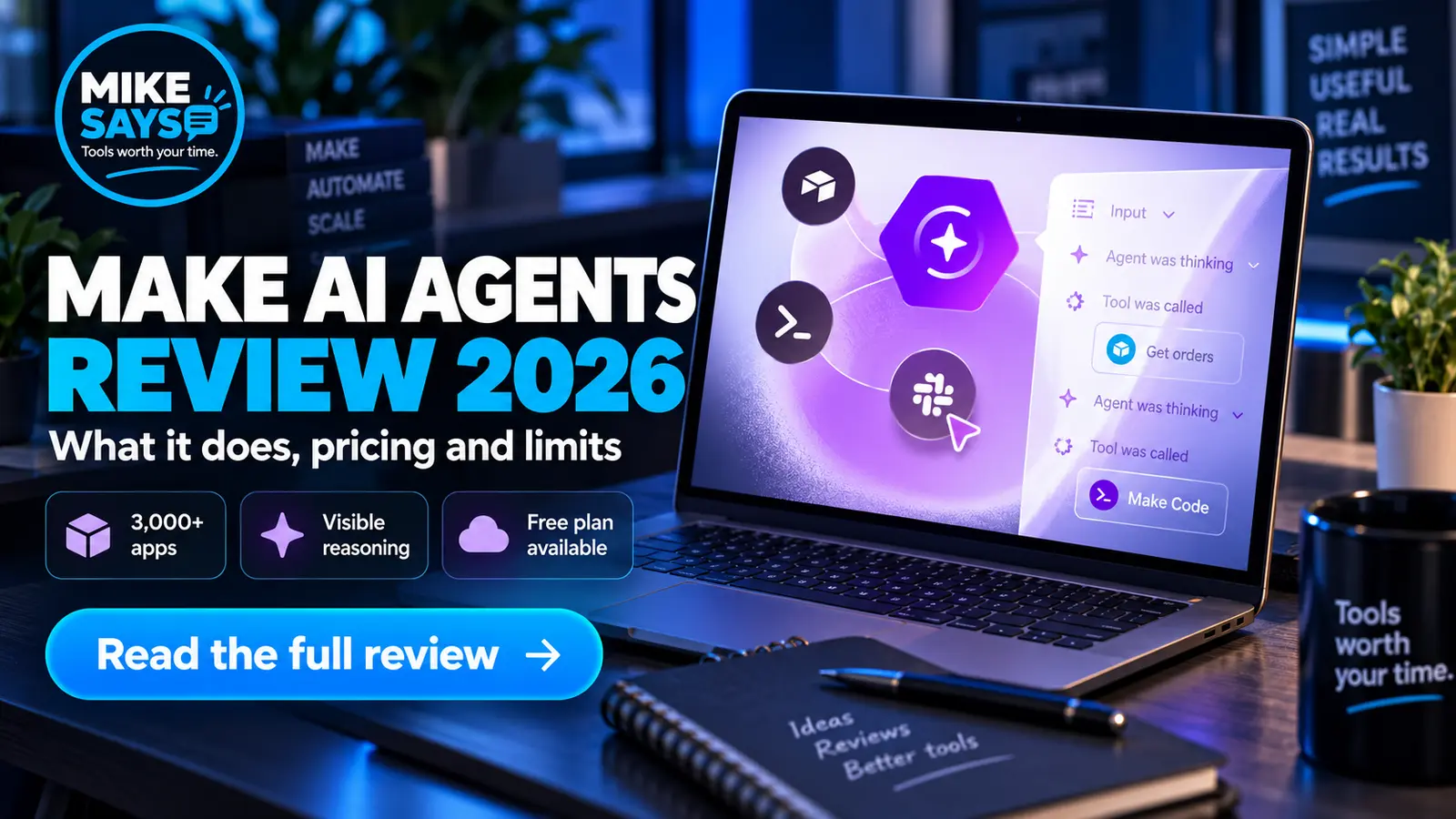
Make AI Agents add flexible AI decision-making to Make's visual automation platform. They can interpret variable inputs, choose tools and act across more than 3,000 apps, while showing you what happened on the canvas.
Mike Says is a Make affiliate. If you register through a labelled affiliate link and later make a qualifying purchase, I may earn commission at no extra cost to you. This review is based on Make's current official information. I have not presented Make AI Agents as personally tested.
Quick verdict
Make AI Agents are worth trying if a workflow needs judgement, variable inputs or unstructured data. The visual reasoning and app connections give them an advantage over a standalone chatbot. For predictable jobs such as copying a form response into a spreadsheet, a normal Make scenario remains simpler and cheaper to control.
The Free plan is enough for a careful first test, but agent runs can use credits for both operations and AI tokens. Monitor usage before putting an agent into regular production.
Try Make free →Make AI Agents at a glance
What are Make AI Agents?
A Make AI Agent is an AI system inside a Make scenario. You give it instructions, context and a set of tools. It can then assess an input, decide which tool to use and return a result or take an action.
The important point is that the agent sits inside Make's existing visual platform. You can connect it to email, CRM, support, document and database tools. Make also shows the agent's steps on the canvas, which can make debugging easier than working with a hidden process.
This is different from a normal Make scenario. A standard scenario follows rules you define in advance. An agent is useful when the input varies and the next step depends on judgement.
How does it work?
You build an agent in the Make scenario builder and define its role, instructions and available tools. Those tools can include Make modules, scenarios, MCP server tools and other agents. You can also add knowledge files or pass task-specific files as inputs.
When the agent runs, the language model interprets the request, selects an allowed tool and works towards the requested output. Make's reasoning view records the sequence so you can review which tools were called and what the agent did.
What can you use it for?
Make's own examples include support-ticket triage, sales outreach, market research, candidate screening, content tasks and SEO analysis. These examples share one feature: the incoming information is variable and requires interpretation.
A small business might use an agent to read a support request, classify the topic, judge its urgency and route it to the right person. Another agent might research a sales lead, summarise useful details and prepare a follow-up for approval.
Keep a person in the loop when an action affects customers, money, sensitive information or an important business decision. Make itself advises against using agents for high-stakes financial, legal or strategic work.
Make AI Agents pricing
Make says AI Agents are available on every plan when you use Make's own AI provider. Paid plans can also connect a custom AI provider, such as OpenAI or Anthropic Claude.
| Plan | Per month, billed annually | Credits | Relevant point |
|---|---|---|---|
| Free | $0 | Up to 1,000/month | Use Make's AI provider; 15-minute minimum scheduled interval |
| Core | $12 | 10,000/month | Minute-level scheduling and unlimited active scenarios |
| Pro | $21 | 10,000/month | Priority execution and advanced workflow controls |
| Teams | $38 | 10,000/month | Team roles and shared scenario templates |
Prices shown are a month, billed annually, at 10,000 credits where applicable. Checked on Make's pricing page on 20 October 2026. Tax, currency conversion and future changes may affect what you pay.
How credit usage works
Credit use is less predictable than it is for a basic scenario. With Make's AI provider, running an agent uses one credit per operation plus credits based on AI token usage. Longer prompts, larger tool responses and more context can therefore cost more.
With a custom AI provider on a paid Make plan, Make charges one credit per operation, while your chosen provider bills its own token usage. Testing an agent in the configuration chat also uses credits.
This does not make agents poor value, but it does mean you should start with a narrow task. Check several real runs and review the usage before scaling.
What I like
1. You can see the work
Make's visual reasoning is the strongest part of the offer. Seeing which tools were called and how the flow moved makes it easier to review unexpected results.
2. It connects AI to useful actions
A chatbot can draft an answer. A Make AI Agent can work with the apps that hold the data or perform the next step, subject to the permissions and tools you give it.
3. It fits existing Make workflows
You can combine flexible AI decisions with fixed routes, filters and approvals. That makes it possible to limit the agent to the part of a process where judgement is genuinely useful.
4. You can start on the Free plan
There is no separate paid agent plan required for an initial test with Make's provider. The 1,000-credit allowance is limited, but it lowers the cost of learning how the feature behaves.
What I do not like
It is still in beta
Make states that functionality and pricing may change. I would not build a critical process around it without a fallback and a clear review step.
Usage can be harder to estimate
AI tokens add another variable to Make's credit system. A short classification job and a long document-analysis job will not consume the same amount.
An agent can be unnecessary
Adding AI to a fixed job can make it slower, less predictable and harder to test. If a normal Make scenario can handle the task with clear rules, keep the normal scenario.
You still need to design the task well
The visual builder reduces technical friction, but it does not replace clear instructions, sensible permissions, good test data or human checks.
Make AI Agents vs ChatGPT
| Make AI Agents | ChatGPT |
|---|---|
| Runs inside Make scenarios | Primarily a conversational assistant |
| Can use allowed Make tools and app connections | Uses the tools and connections available in ChatGPT |
| Shows workflow actions on a visual canvas | Centres the interaction on a chat |
| Best for agentic processes across business apps | Best for direct assistance, analysis and content tasks |
If you already use Make for automation, the agent feature is attractive because it works alongside your existing scenarios. If you mainly want help with writing, research or one-off tasks, a general AI assistant may be the simpler choice.
Who should try Make AI Agents?
Try it if you already use Make, want an agent to act across several apps, or have a process that involves messy text and judgement calls. It is also a sensible option for beginners who value a visual builder and want to start without paying.
Skip it for now if your task is fully predictable, you need fixed costs for every run, or the process involves sensitive or high-stakes decisions that cannot tolerate variable output.
Is Make AI Agents worth it?
Yes, for the right kind of workflow. The combination of flexible decision-making, 3,000+ app connections and visible execution makes Make AI Agents a credible option for small businesses and automation users.
The best first project is narrow and reversible. Start with classification, summarisation or drafting, add a human approval step, and measure credit use. Avoid handing an agent broad permissions before you understand how it behaves.
Try one narrow agent before paying
Create a Free Make account, test a low-risk task and review each run. Move to a paid plan only when the time saved justifies the extra credits and control.
Create a free Make account →Affiliate link · I may earn commission from a qualifying purchase at no extra cost to you.
More Make guides
Read my full Make review, compare Make pricing, see useful Make automation ideas, or learn how Maia builds workflows through conversation.
Official sources
Make AI Agents product page
Make Help Centre: Introduction to Make AI Agent (New)
Make plans Affiliate link · I may earn commission from a qualifying purchase at no extra cost to you.