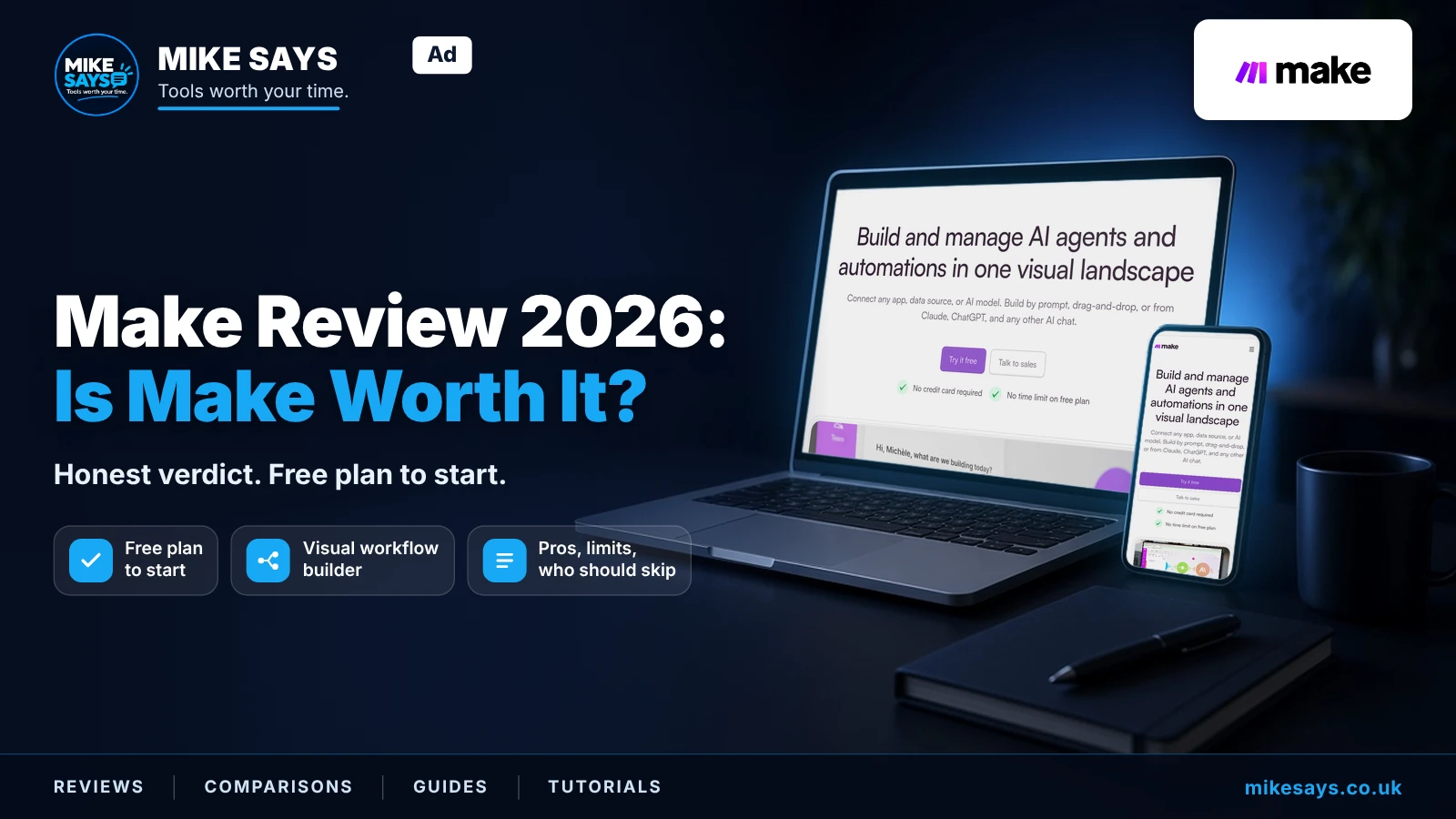
Make Review 2026: Is Make worth using?
We may earn a commission if you sign up through our links, at no extra cost to you.
Updated: 19 October 2026 · Fact-checked against Make's official site and help centre: 19 October 2026
Make is worth a look if you want visual, multi-step automation and don't mind learning how credits work. The free plan is fine for learning. Busy workflows will push you onto a paid plan quickly, and estimating credit use takes some effort.
Quick verdict
Good for: multi-step workflows, people who like seeing logic laid out visually, small teams on a budget.
Less good for: one simple automation, people who want to self-host, anyone who needs predictable costs without doing the maths.
Bottom line: a strong, flexible tool. Not the simplest, and not always the cheapest once usage grows.
Try Make free →Affiliate link: I may earn a commission at no extra cost to you.
Make at a glance
| Detail | Current position |
|---|---|
| Billing unit | Credits (replaced “operations” on 27 August 2025) |
| Free plan | $0, 1,000 credits/month, no time limit |
| Free active scenarios | 2 (unlimited on paid plans) |
| Free minimum schedule interval | 15 minutes (1 minute on paid plans) |
| Paid plans from | Core: $12/month billed annually at 10,000 credits. Monthly billing costs more. See Make plans. Affiliate link · I may earn commission from a qualifying purchase at no extra cost to you. |
| Apps | 3,500+ (per Make's pricing page) |
| AI Agents | Available on all plans (per Make) |
| Hosting | Make's cloud on AWS (EU/North America) |
What does Make actually do?
Make calls an automated workflow a scenario. A scenario starts when it gets data from one app, changes or filters it, and sends it somewhere else. For example, a new form entry could add a row to a spreadsheet and send a notification.
The main draw is the visual builder. You see modules and routes laid out as a flow, not a list of steps. That makes branching logic easier to follow and fix.
A reporting setup from Make's docs
Based on Make's published plans and docs, you can pull Google Analytics 4 and Google Search Console data into Google Sheets for reporting.
In general terms, a setup like this works as follows. Make has official, verified apps for Google Analytics 4, Google Search Console and Google Sheets. You connect your Google accounts to them inside a scenario. The Google Analytics 4 app can return report data, such as with its “Generate a Pivot Report (Advanced)” module. The Google Search Console app has a “Run a Report” module for search traffic data. The Google Sheets app can then write that data into a spreadsheet, using modules such as “Add a Row” or “Bulk Add Rows (Advanced)”. You can schedule the scenario to run on its own, so the sheet fills up without manual exports.
One thing to keep in mind: every module action uses credits. A reporting scenario that writes lots of rows will use more credits than one that writes a summary.
Make AI Agents
Make now offers AI Agents, built in the same visual canvas as scenarios. Make says they're available on all plans.
- Agents can reason about a task, pick what to do next and trigger workflows across Make's app library.
- A Reasoning panel shows each decision step by step, so it isn't a black box.
- You can add rules, manual approvals or stopping points.
- Make suggests using an agent when a job needs judgement, especially with messy input like emails or documents. If it just needs doing, a normal scenario is enough.
Worth knowing: agents don't have a fixed credit cost. With Make's AI Provider, credits are based on tokens and operations, so the cost depends on the model you pick and how much text goes in and out. Bigger models use credits much faster. On paid plans you can connect your own AI provider (such as OpenAI or Anthropic) instead. Then Make charges credits for operations and you pay the provider for tokens.
More detail: Make AI Agents explained. For plain-English scenario building, see Maia by Make.
How Make's credits work
Credits are Make's billing unit. Each action a module performs uses credits. For non-AI apps, 1 operation equals 1 credit. Reading a record, searching, creating, updating or deleting data, transforming data, aggregating and iterating all count.
A few things don't count: router modules and error handler modules (Rollback, Break, Resume, Commit, Ignore).
Some AI and advanced features have dynamic credit use, based on tokens, file size, pages or run time.
If you run out:
- Make notifies you at 75% and 90% of your credits.
- Scenarios stop until you add credits.
- Incoming webhooks queue up, within your queue allowance.
- You can upgrade, buy extra credits in bundles of 1,000 or 10,000, or turn on auto-purchase of another 10,000 (Core, Pro and Teams only). This review does not state a separate price for those extra credits.
Unused credits expire at the end of the term. They don't roll over. On annual billing, Pro and Teams get the year's credits up front. Core still gets a monthly allocation.
Pricing summary
Make's price depends on how many credits you choose. Its pricing page has a credits slider that starts at 10,000 a month, and the price rises as you add credits. Checked on 20 October 2026, at 10,000 credits, billed annually, in US dollars:
| Plan | Billed annually |
|---|---|
| Free | $0 (1,000 credits) |
| Core | $12/month |
| Pro | $21/month |
| Teams | $38/month |
| Enterprise | Custom |
It is cheaper billed annually. At 10,000 credits, Core is $12 a month, Pro is $21 and Teams is $38, billed annually. See Make plans. The annual prices above are the figures to use. Affiliate link · I may earn commission from a qualifying purchase at no extra cost to you.
Make's pricing page shows prices in US dollars. For the detail, including extra credits, expiry and tax, see the Make pricing guide.
Pros
- You can start free. The Free plan has 1,000 credits a month and no time limit.
- Reasonable entry price. Core is $12 a month billed annually at 10,000 credits. See Make plans. Affiliate link · I may earn commission from a qualifying purchase at no extra cost to you.
- Visual workflows are easier to check. Branches and modules are laid out so you can see what's happening.
- Big app library. Make lists 3,500+ apps, and you can build custom apps for anything with a public API.
- AI Agents on every plan. You can try agent workflows without an enterprise contract.
- Routers and error handlers are free. They don't use credits.
Limitations
- The free plan runs out fast. 1,000 credits, 2 active scenarios and a 15-minute minimum interval are fine for testing, not for regular use.
- Monthly billing costs more. At 10,000 credits, Core is $12, Pro is $21 and Teams is $38 a month, and it is cheaper billed annually. See Make plans. Affiliate link · I may earn commission from a qualifying purchase at no extra cost to you.
- Credits take effort to estimate. Multi-step scenarios eat credits per action, not per run. AI features use credits based on tokens, which is harder to predict.
- Top-ups cost more. Extra credits are 25% dearer than plan credits, according to Make's help centre.
- Credits expire. Unused credits don't roll over, so overbuying is wasted money. Annual Core still resets monthly.
- Learning curve. The canvas is powerful, but a complex scenario can be daunting if you're new.
- Dollar pricing. Prices are listed in US dollars, so UK buyers may see costs move with the exchange rate.
- Cloud only. Make runs on its own cloud hosting (AWS, EU or North America). If you want to run automation on your own server, look at n8n instead.
Who Make suits
- People automating multi-step processes across several apps.
- Anyone who prefers to see workflow logic visually.
- Small businesses wanting a free place to learn automation.
- Site owners who want analytics and search data in a spreadsheet without manual exports.
- Teams wanting to try AI agents with clear oversight.
Who should skip it
- You only need one simple two-step automation. A simpler tool may do.
- You want to self-host or keep all data on your own servers. See Make vs n8n.
- You run high-volume workflows and want flat, predictable costs.
- You don't want to spend any time learning how credits are counted.
Try Make
The easiest way to judge Make is to build one small scenario on the free plan.
Try Make free →Affiliate link: I may earn a commission at no extra cost to you.
Need ideas first? See the best Make automations.
FAQs
Is Make free?
Yes. Make has a Free plan with 1,000 credits a month, two active scenarios and no time limit. You'll need a paid plan for heavier use.
How much does Make cost?
At 10,000 credits a month, Core is $12, Pro is $21 and Teams is $38 a month billed annually. See Make plans. Prices rise with more credits. See the Make pricing guide. Affiliate link · I may earn commission from a qualifying purchase at no extra cost to you.
What is a credit in Make?
It's Make's billing unit. For non-AI apps, one operation is one credit. AI features can use more, based on tokens. Routers and error handlers don't use credits.
What happens when I run out of credits?
Your scenarios pause until you add credits. You can upgrade, buy extra credits in bundles of 1,000 or 10,000, or turn on auto-purchase on Core, Pro and Teams.
Do unused credits roll over?
No. Make says credits expire at the end of the term.
Can Make send GA4 and Search Console data to Google Sheets?
Yes. Make's docs list official Google Analytics 4, Google Search Console and Google Sheets apps that can pull reporting data into Sheets.
Does Make have AI agents?
Yes. Make AI Agents are built in the visual canvas, and Make says they're available on all plans.
Do I need to code?
No. Make is no-code, though complex scenarios take time to learn.
Can I self-host Make?
Make runs on its own cloud hosting. If you need self-hosting, n8n is the usual alternative. See Make vs n8n.
Related guides
Make pricing explained
Make vs n8n
Make AI Agents
Best Make automations
Make vs Activepieces
Make and ChatGPT
Relay.app alternative
Make and the Make logo are trademarks of Celonis. Mike Says is not sponsored or endorsed by Make or Celonis.