Make Plugin for ChatGPT: How to Build Automations Without Leaving ChatGPT
Updated: 15 September 2026
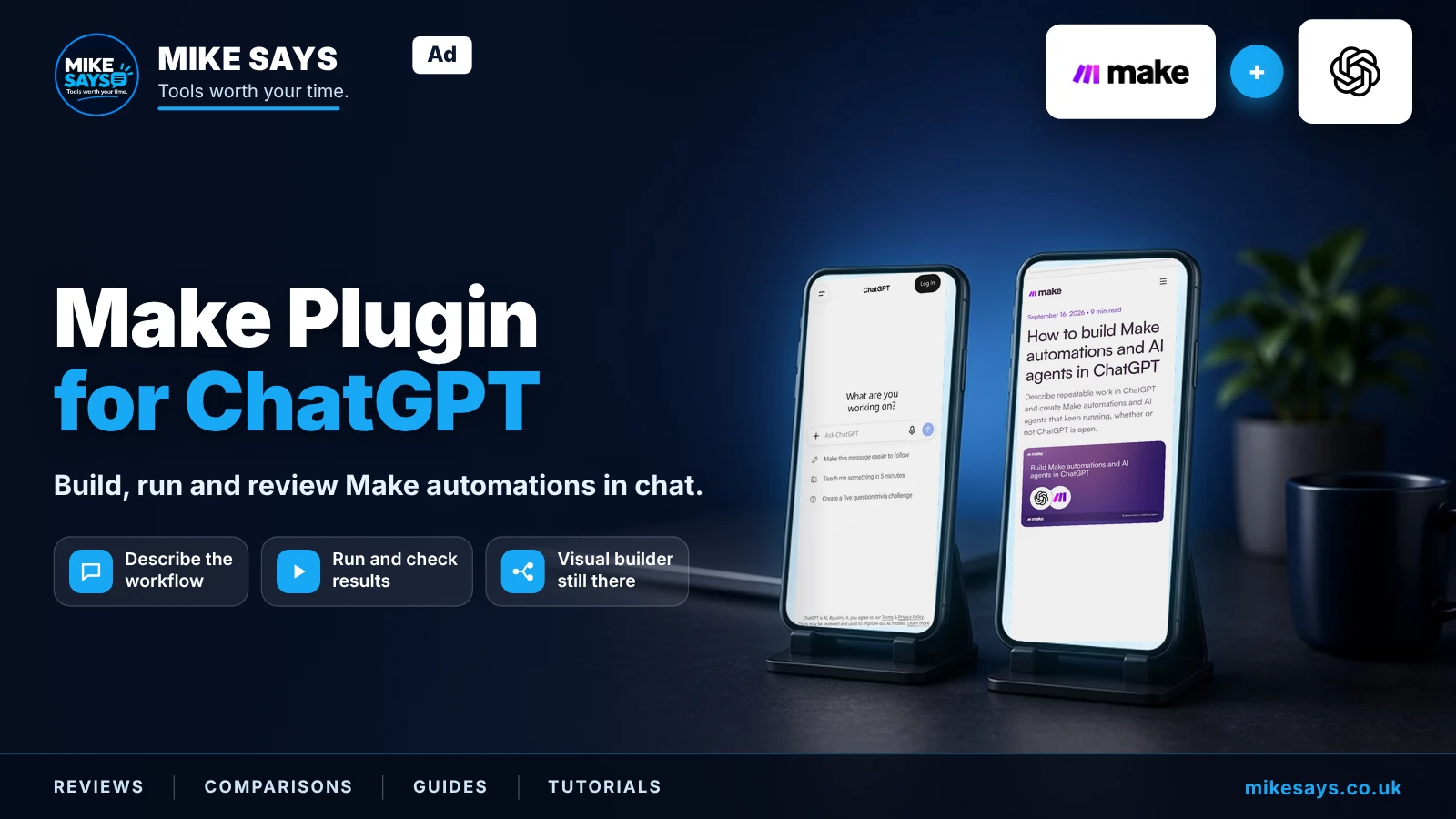
Make now has an official ChatGPT plugin that lets you describe, build, run and review Make automations from a ChatGPT conversation. Here is what it actually does and how to get started.
This guide contains a Make affiliate link. If you register through it and later make a qualifying purchase, Mike Says may earn commission at no extra cost to you.
What is the Make plugin for ChatGPT?
The Make plugin connects ChatGPT to your Make account. Make says you can build automations and AI agents, search and manage existing automations, run them, review their output and browse execution history from the conversation.
The actual automations still run in Make's cloud. That means they can continue running even when ChatGPT is not open. Your existing Make app connections, stored data, permissions and controls also remain in Make.
What can you do with it?
Why is this different from simply connecting OpenAI to Make?
Make has long supported OpenAI inside Make scenarios. This new plugin works in the other direction: it brings Make into ChatGPT so you can work with automations while you are already having the conversation.
For example, instead of leaving ChatGPT, opening Make and starting a scenario manually, you can describe the outcome you need and use the plugin to help build the automation.
How to get started
- Install the official Make plugin from ChatGPT's plugin directory.
- Connect your Make account.
- Describe the result you want in plain English.
- Review what is being built and connect the apps your workflow needs.
- Test the automation before relying on it for important work.
Make says the plugin is available across all Make plans for people with a ChatGPT account.
Example automations to try
A good first workflow is something small and easy to verify. You could ask it to create a weekly project report and save it to a shared drive, turn meeting information into follow-up tasks, or build a workflow that moves information between apps you already use.
Does this replace the Make visual builder?
No. Make specifically says you can continue to inspect and edit automations in its visual landscape. I see the ChatGPT plugin as another way into Make rather than a replacement for the visual builder.
That is useful because natural-language instructions are convenient for getting started, while the visual workflow remains useful when you want to inspect routes, modules and logic.
Is the Make plugin for ChatGPT free?
Make says the plugin is available on all Make plans. Make itself has a Free plan, so you can create an account and test the platform before deciding whether you need a paid subscription. Usage limits and plan features can change, so check Make's current pricing before upgrading.
Is it worth trying?
Mike Says verdict
Yes, particularly if you already use ChatGPT for planning work that eventually needs to happen in other apps. The interesting part is being able to move from discussing a repetitive task to building and checking the automation in the same conversation.
I would still test every new automation carefully and use Make's visual builder when you need to inspect exactly what the workflow is doing.
Related Make guides
Make review 2026 →
Make pricing 2026 →
10 Make automations to try →
Maia by Make guide →
Information checked 15 September 2026 against Make's official Help Center and affiliate information. Features and availability can change.