Make + ChatGPT: How to Build Automations and AI Agents in ChatGPT
Published: 20 September 2026
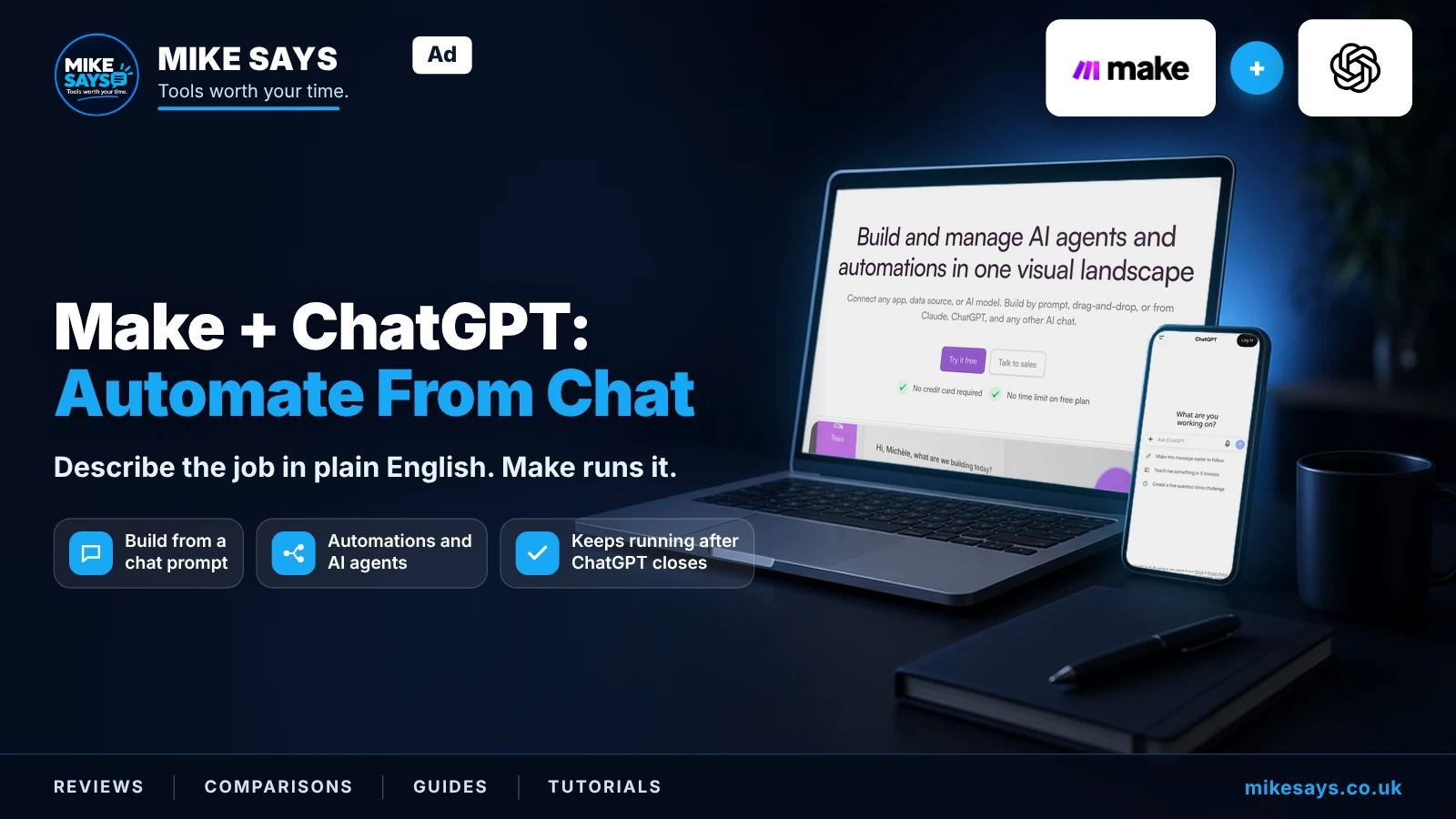
Make now lets you build, run, search and review Make automations and AI agents directly from a ChatGPT conversation. Describe the repeatable work you want in plain English, then Make can turn it into a workflow that keeps running in Make's cloud even after ChatGPT is closed.
This guide contains Make affiliate links. If you register through a labelled link and later make a qualifying purchase, Mike Says may earn commission at no extra cost to you.
Quick answer
This is useful if you already use ChatGPT to plan repetitive work and want that work to continue automatically. The Make plugin can move you from describing an outcome to creating an automation or AI agent without starting from a blank Make canvas.
It does not remove the need to check the workflow. Review connections, triggers and actions before relying on it for important work.
Try Make free →What can Make do inside ChatGPT?
Make says its ChatGPT plugin can build, run, search and review Make automations and AI agents from the conversation. You describe the outcome you need, such as a weekly status report or an agent that drafts replies to new leads, and Make can create the workflow and connect the required apps. Building in Make itself instead? See Maia, Make's built-in AI builder.
How it works
- Connect the official Make plugin to ChatGPT.
- Describe the result you want rather than trying to design every module first.
- Review the proposed automation or AI agent and connect the apps it needs.
- Test it with data you can verify.
- Let Make run it on the schedule or trigger you choose.
The key point is that ChatGPT is the conversational starting point. Make remains the automation platform that stores the workflow, app connections and execution history.
Example: turn a request into a repeatable workflow
You might ask for a weekly status report that gathers project information, creates a summary and sends it to your team. Instead of only receiving instructions for how to build that workflow, the Make plugin can help create the automation itself.
Another example is an AI agent that handles new leads. It could receive the lead, use the tools you allow it to use, prepare a response and pass the result into the next step of your Make workflow.
Make automation vs Make AI agent
| Use a normal automation when… | Consider an AI agent when… |
|---|---|
| The rules are predictable | The input varies |
| The same trigger should cause the same actions | The next step needs interpretation |
| You want easier cost and behaviour control | You need AI to choose between allowed tools or actions |
If a simple Make scenario can do the job, adding an AI agent can add cost and variability without improving the result. Use AI where judgement actually helps.
Does the workflow stop when you close ChatGPT?
No. Make's official guide says the automations and AI agents you create keep running in Make's cloud whether or not ChatGPT is open. This is what turns the integration into something more useful than a one-off chat response.
What does Make cost?
Make currently offers a Free plan with up to 1,000 credits per month. Paid pricing varies by plan, credit allowance and billing choice, so check the live pricing page before paying.
Credits are Make's billing unit. Standard non-AI modules normally use one credit per operation. AI features can be different: Make's own AI provider can use credits based on operations and AI token usage, while a custom AI provider on a paid plan can mean Make charges for operations and your AI provider charges separately for tokens.
For the full breakdown, see the Make pricing guide.
What to check before relying on it
Review app permissions. Only connect the accounts and data the workflow genuinely needs.
Test triggers and actions. Natural-language building can save setup time, but you still need to confirm the finished workflow does what you intended.
Watch credit usage. AI-heavy tasks can consume credits differently from a simple fixed workflow.
Keep human approval where it matters. Customer messages, payments, sensitive information and other important actions deserve an extra check.
Is Make + ChatGPT worth trying?
If you already use ChatGPT to think through repetitive tasks, the Make integration gives those conversations a practical next step. Instead of stopping with a plan, you can turn suitable tasks into workflows that continue running.
The sensible starting point is Make's Free plan and one small automation. Check the result and credit use before adding more complexity.
Try one small automation first
Start with a repeatable task you can easily check, then decide if Make saves enough time to justify a paid plan.
Create a free Make account →Affiliate link · Mike Says may earn commission from a qualifying purchase at no extra cost to you.
Related Make guides
Make AI Agents review →
Make pricing 2026 →
Make review 2026 →
10 Make automations to try →
Earlier Make ChatGPT plugin guide →
Official sources
Make: How to build automations and AI agents in ChatGPT
Make plans
Make Help Centre: credits Affiliate link · I may earn commission from a qualifying purchase at no extra cost to you.